
Jump to content

Ubuntu Live USB Stick Boot Error

Go to solution Solved by iamdarkyoshi,
1 minute ago, lolimpol said:

nanananananana nonononononono. do it on another computer at home or something, then use it on this pc.


1 minute ago, VinsinityKT said:

Wait until you get home to try again. :P

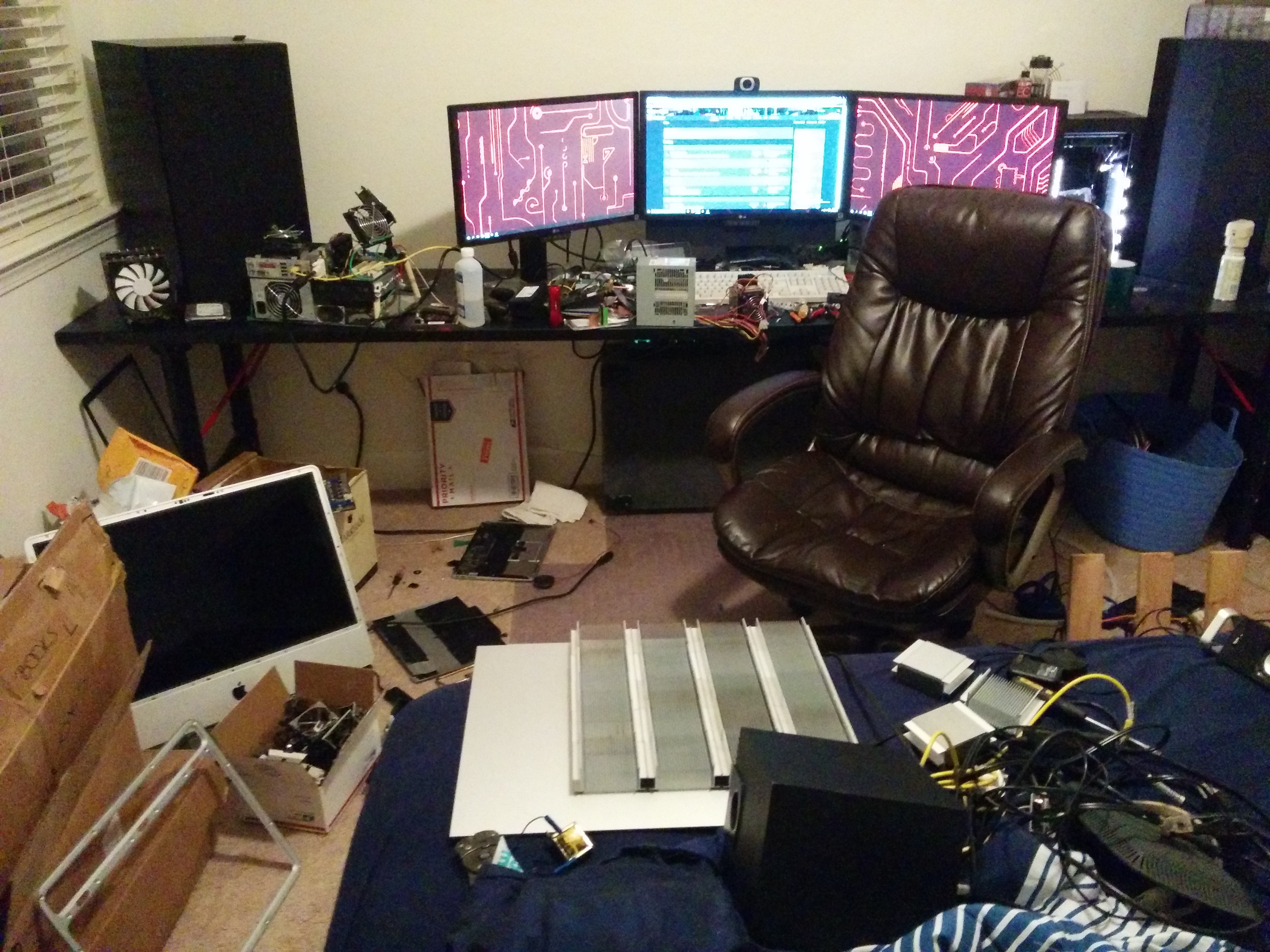
Ya it looks like I will need to do this at home. If I can get to my desk.
IMG_20160214_191640.thumb.jpg.166857585f

So I am trying to use a ubuntu stick on my school's PC as they are the slowest POS I have ever seen. My teacher is already aware that I am doing this and does not care.


So I keep forgetting to make the USB stick at home on my PC, so I tried making it here. I downloaded Ubuntu 14.04.4 LTS 32 bit, and tried to make a USB stick using LinuxLive USB Creator 2.0 as that seems to be the latest version of the utility that does not need admin rights (remember, I am on my school's PC)


It tells me that the ISO is not compatible, but it will try anyway with settings for a different flavor of linux.


I used a persistent file so I could make my changes and stuff stick on the USB drive when I reboot.


However, when I reboot the PC, it says:


Attempting to boot from USB device

Boot Error


And just hangs. What do? I think I need to create the bootable stick on my PC at home, don't I....

Link to comment
https://linustechtips.com/topic/551129-ubuntu-live-usb-stick-boot-error/
Share on other sites

Link to post
Share on other sites

Just now, manikyath said:

yeah... LiLi is pretty much a disaster...


even with a supported distro its like playing the lotery.

Especially the older versions...


But all the other tools and newer versions of lili need admin rights

Link to post
Share on other sites

7 minutes ago, iamdarkyoshi said:

So I am trying to use a ubuntu stick on my school's PC as they are the slowest POS I have ever seen. My teacher is already aware that I am doing this and does not care.


So I keep forgetting to make the USB stick at home on my PC, so I tried making it here. I downloaded Ubuntu 14.04.4 LTS 32 bit, and tried to make a USB stick using LinuxLive USB Creator 2.0 as that seems to be the latest version of the utility that does not need admin rights (remember, I am on my school's PC)


It tells me that the ISO is not compatible, but it will try anyway with settings for a different flavor of linux.


I used a persistent file so I could make my changes and stuff stick on the USB drive when I reboot.


However, when I reboot the PC, it says:


Attempting to boot from USB device

Boot Error


And just hangs. What do? I think I need to create the bootable stick on my PC at home, don't I....

just use rufus (rufus.akeo.ie) and flash the latest ubuntu to it, that will very very probably work...

Link to post
Share on other sites

4 minutes ago, lolimpol said:

just use rufus (rufus.akeo.ie) and flash the latest ubuntu to it, that will very very probably work...

UAC.PNG.76caf87a6276b12c7a7289cc677cf0a2


Or not :(

Link to post
Share on other sites

Wait until you get home to try again. :P

Main Gaming and Streaming PC: http://pcpartpicker.com/user/Vinsinity/saved/TjwVnQ

Ultrabook and College Laptop:

Spoiler

XPS 13 9350:

i5-6200U

8GB RAM

Samsung PM951 250GB M.2 Solid State Drive

Workstation Laptop:

Spoiler

Sager NP8672 (P670SG):

i7-4720HQ

32GB (4 x 8GB) CORSAIR Vengeance Performance

Samsung 850 EVO 250GB M.2 Solid State Drive (Boot Drive)

Samsung 950 PRO 512GB M.2 Solid State Drive (Video Drive)

Crucial MX100 250GB 2.5" Solid State Drive (Secondary SDD Storage)

Western Digital (Blue or Black) 1TB 2.5" 7200RPM Internal Hard Drive (Storage Drive)

GeForce GTX 980M 4G


Link to post
Share on other sites

1 minute ago, lolimpol said:

nanananananana nonononononono. do it on another computer at home or something, then use it on this pc.


1 minute ago, VinsinityKT said:

Wait until you get home to try again. :P

Ya it looks like I will need to do this at home. If I can get to my desk.

IMG_20160214_191640.thumb.jpg.166857585f

Link to post
Share on other sites

Create an account or sign in to comment

You need to be a member in order to leave a comment

Create an account

Sign up for a new account in our community. It's easy!

Register a new account

Sign in

Already have an account? Sign in here.

Sign In Now

×

